

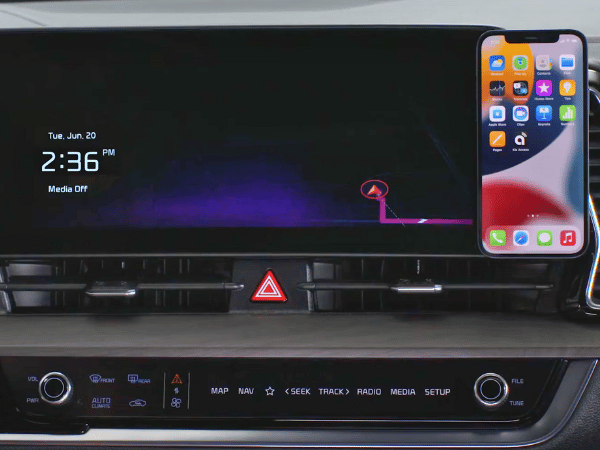
Apple CarPlay and Android Auto keep you connected while on the go. Now, you can use your phone in the car without looking down. Need to place a call, pull up directions, or change a song? This feature lets you control these functions with ease. We at Crain Kia of Fayetteville are excited to explain why they're fantastic for any Kia owner.
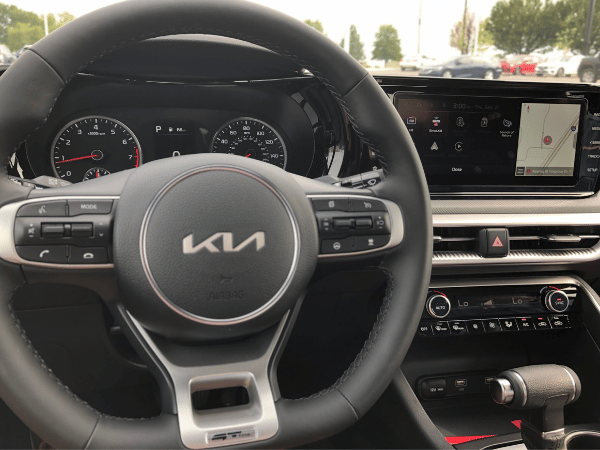
Connect Your Smartphone
Linking your phone with your Kia's infotainment system is simple. You can connect as many as six devices without wires, making it ideal for families or passengers wishing to share their content. However, be aware that some models will need a cable to connect. Regardless of how you connect your smartphone, you'll gain immediate access to your apps and functionalities directly on your car's infotainment screen.
Easy Access to Your Favorite Apps
Connecting Apple CarPlay or Android Auto lets you easily use your phone's apps on your Kia's infotainment screen. This way, you can make calls, send texts, and get directions safely without having to pick up your phone.
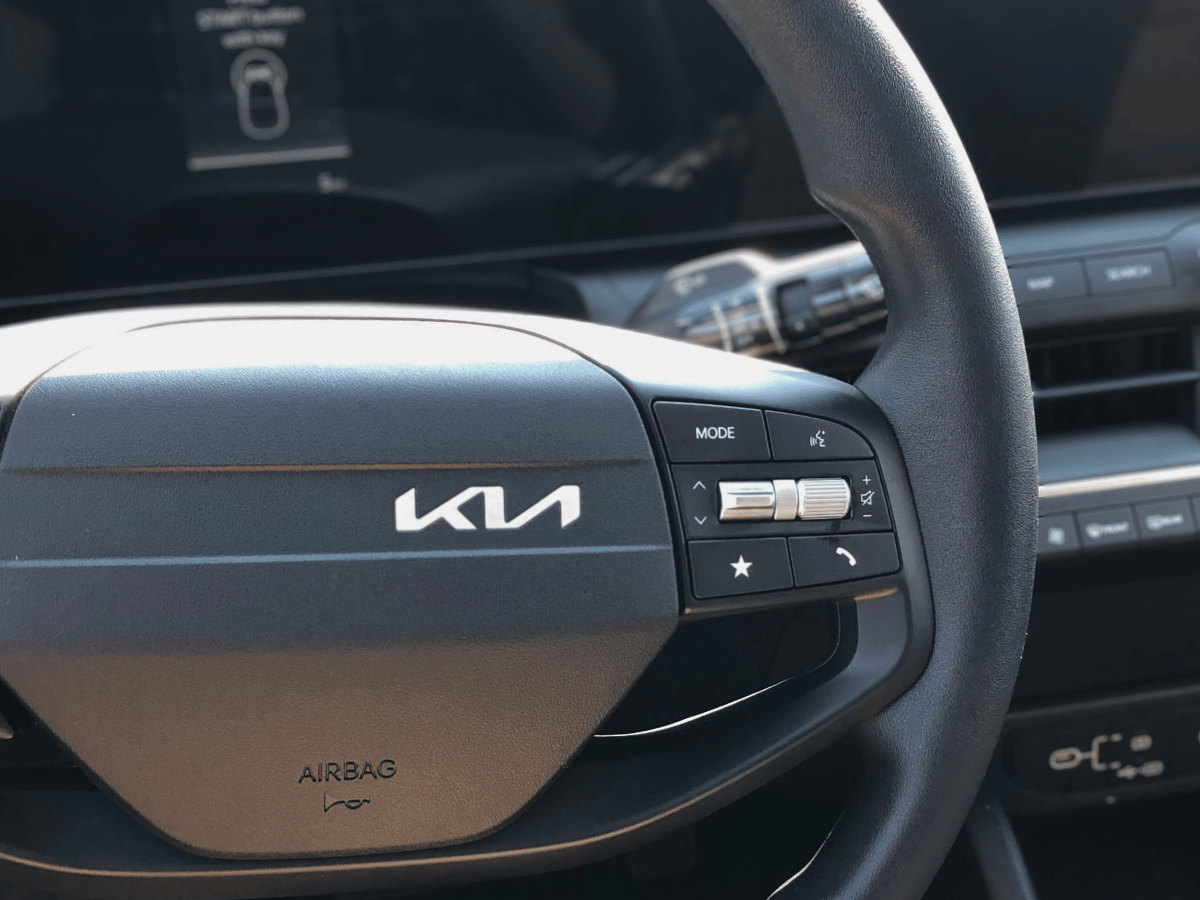
- Calling and Texting: You can make calls or send messages without ever needing to remove your hands from the steering wheel. Simply ask Siri or Google Assistant for assistance.
- Start Audio: Listen to your favorite playlists, podcasts, or audiobooks while you're out and about. With Apple CarPlay and Android Auto, you can use your preferred media applications, such as Spotify and Apple Music, effortlessly.
- Navigation: No need to struggle with your phone to navigate. With apps like Apple Maps, Google Maps, or Waze, you can easily follow directions on your car's display. You also get updates on traffic in real-time, so you can steer clear of any hold-ups.
Click here to see how the Subaru Forester stacks up against the Kia Sportage.
Voice Commands
Using Apple CarPlay or Android Auto makes driving easier and safer with voice command capability. With the help of Siri or Google Assistant, you can get directions, play your favorite tunes, or send messages without ever needing to pick up your phone. This means you can stay focused on the road ahead, making your trip smooth and safe.
App Connect Tips
Here are a few quick tips to help you get the most out of your App Connect features:
- Check Compatibility: Before using Apple CarPlay or Android Auto, ensure your smartphone supports these features. While most recent models do, it's best to verify.
- Read Your Car's Manual: Each Kia vehicle works differently. Check the owner's manual for exact setup instructions.
- Keep Your Phone Updated: Regularly update your phone and apps for a consistent connection.
Click here to learn about other Kia Connect features.
Use Kia App Connect Today!
Apple CarPlay and Android Auto make your drives more enjoyable. These features allow you to stay in touch easily, play your tunes, and get information safely without taking your focus off the road. You can connect your device wirelessly or with a USB cable for a more intelligent and secure driving experience. So, when you're driving next, let these handy features from Kia make your trip easier.
 Warranties include 10-year/100,000-mile powertrain and 5-year/60,000-mile basic. All warranties and roadside assistance are limited. See retailer for warranty details.